
Stop Using the Default WordPress Video Player (Here's a Free Fix)
A free WordPress video player plugin built on Video.js, with chapters, A-B loop, and shortcode or block embeds.
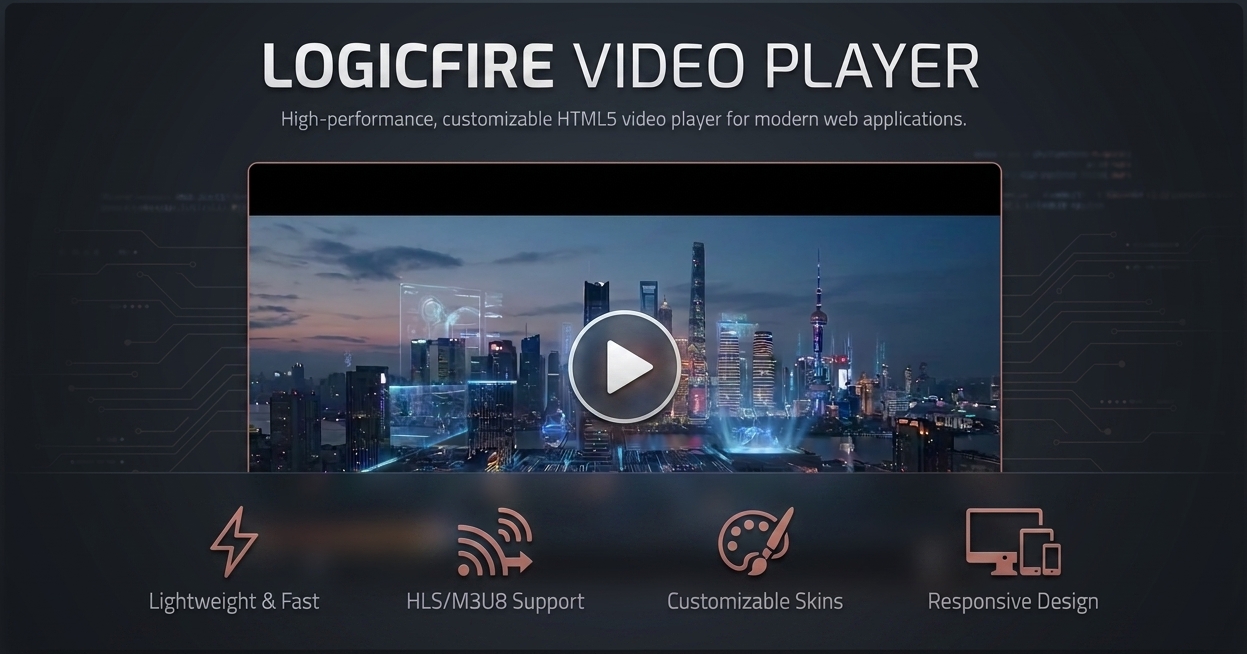
If you’ve ever uploaded a video straight to your Media Library and dropped it into a post, you know the default WordPress player is fine for about thirty seconds. No chapters, no playback speed control, and the second you want anything fancier, you’re either paying for a plugin, wrestling with a builder widget that looks different on every theme, or giving up and embedding a YouTube video that sends half your visitors off to watch something else entirely.
That last one bugs me the most. I’ve had clients ask why their course intro video has a “recommended for you” panel showing a stranger’s vlog right after it ends. Not great for a paid course.
So a few weeks back I installed Logicfire Video Player on a couple of test sites to see if it actually solves this without turning into a monthly subscription. Here’s what I found.
What it actually is
Logicfire Video Player is a free plugin that gives WordPress a standalone video player built on Video.js version 10. It’s not a YouTube wrapper and it’s not tied to a specific hosting service. You can pull video from your Media Library or point it at a direct file URL, and it supports MP4, WebM, OGV, and MOV.
Under the hood there are two ways it can render the player, HTML or React, which is a nice touch if you’re already running a React-heavy build process or you just want the lighter option.
You also get a Videos custom post type, so instead of hunting through your media library for that one file you uploaded eight months ago, you can manage videos like posts or pages.
Who this is actually for
Course creators. If you’re running a self-hosted course, chapters and playback speed matter more than anything else. Students want to skip to lesson 3, or watch at 1.5x. This plugin does both without extra setup.
WooCommerce store owners. Product demo videos load faster and look more consistent when they’re not YouTube iframes fighting your theme’s CSS.
Agencies juggling client sites. One video player that works the same way across Elementor, Divi, and other builders saves you from relearning a widget every time.
Sample Video
Sample Video
Getting a player live in a few minutes
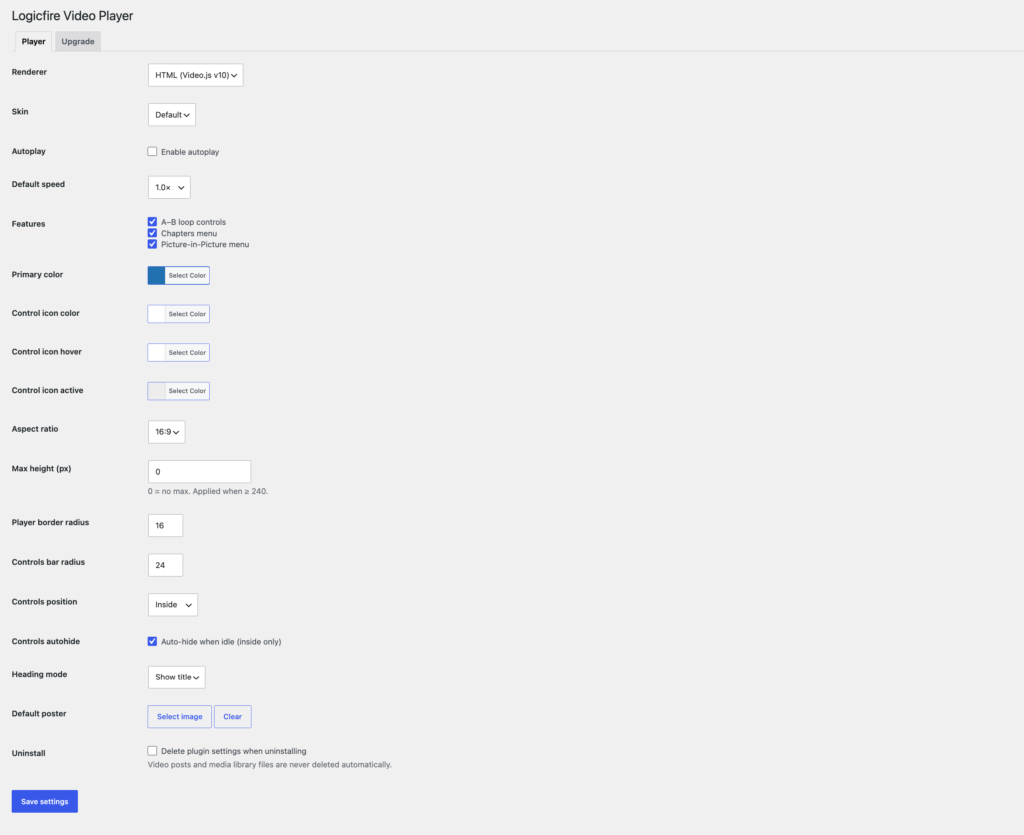
After activating the plugin, head to Video Player -> Settings. Set your default renderer (HTML or React), pick colors, set corner radius, choose an aspect ratio, and decide whether controls sit inside or outside the video frame.
From there you’ve got two paths. If you just want to drop a video into a post or page, use the shortcode:
Or reference a video already added through the Videos post type by ID:
Sample Video
Sample Video
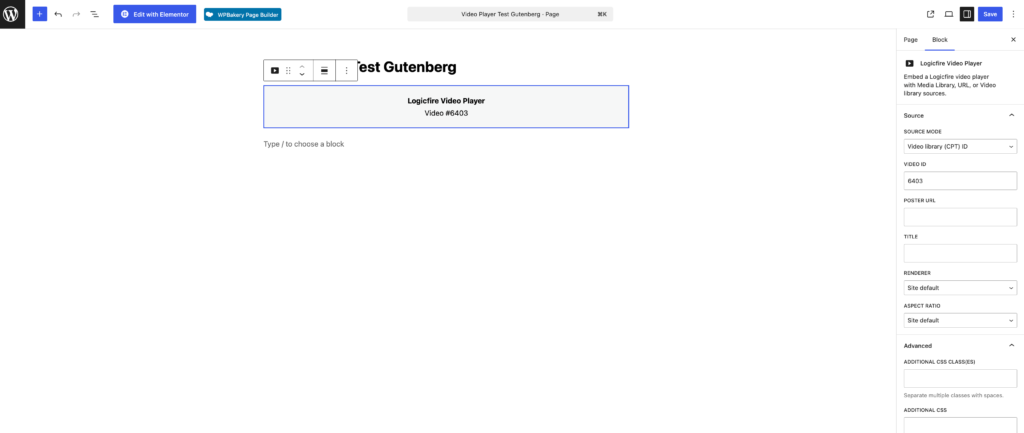
There’s also a Gutenberg block if you’d rather not remember shortcode syntax.
Lesson learned: I once set a different aspect ratio in the plugin settings than my actual video file, and the first embed had odd black bars on the sides. Match your aspect ratio setting to your source video, or set it per-embed if your videos vary in shape.
Features that actually matter once you're using it
Chapters are useful for anything longer than a five minute video. A-B loop repeats a section between two points, handy for tutorials or language content. Picture-in-Picture lets the video float in a small window while someone scrolls the rest of the page. Playback speed is playback speed, not exciting, but its absence on the native WordPress player is annoying enough that its presence here is worth mentioning.
Where you can actually place it
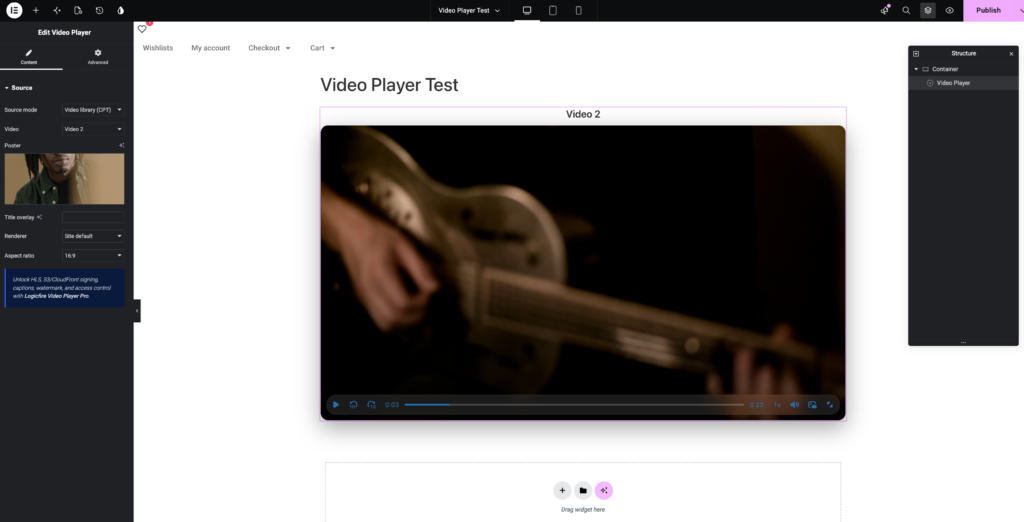
The plugin works as a shortcode or Gutenberg block anywhere you can paste text, but it also has dedicated widgets or elements for Elementor, WPBakery, Divi, Beaver Builder, and Bricks. Tested the Elementor widget specifically and it behaved like a native element, draggable into a column with its own settings panel.
Free versus when Pro might matter
The free version covers everything above, and for a lot of sites that’s genuinely enough. Where it stops is streaming formats: no HLS support in free, so large video libraries needing adaptive bitrate streaming, or video pulled from S3/CloudFront, need the Pro add-on. Pro also adds access control, captions, watermarking, resume-where-you-left-off, basic analytics, and a Reels-style format. None of that is required to get a working, good-looking player today.
Try it and tell me what you're using
If your current setup is a YouTube embed you’re not thrilled about, or the native WordPress player that’s been quietly bothering you for months, it’s worth ten minutes to install this and drop a shortcode into a draft post. Check the plugin’s page for more detail on settings and the Pro add-on.